
Stones, charms and pendant designs
Explore two pendant designs on one neckline, a new birthstone palette, a charm substitution and the complete pendant stone family with its edit-area maps.
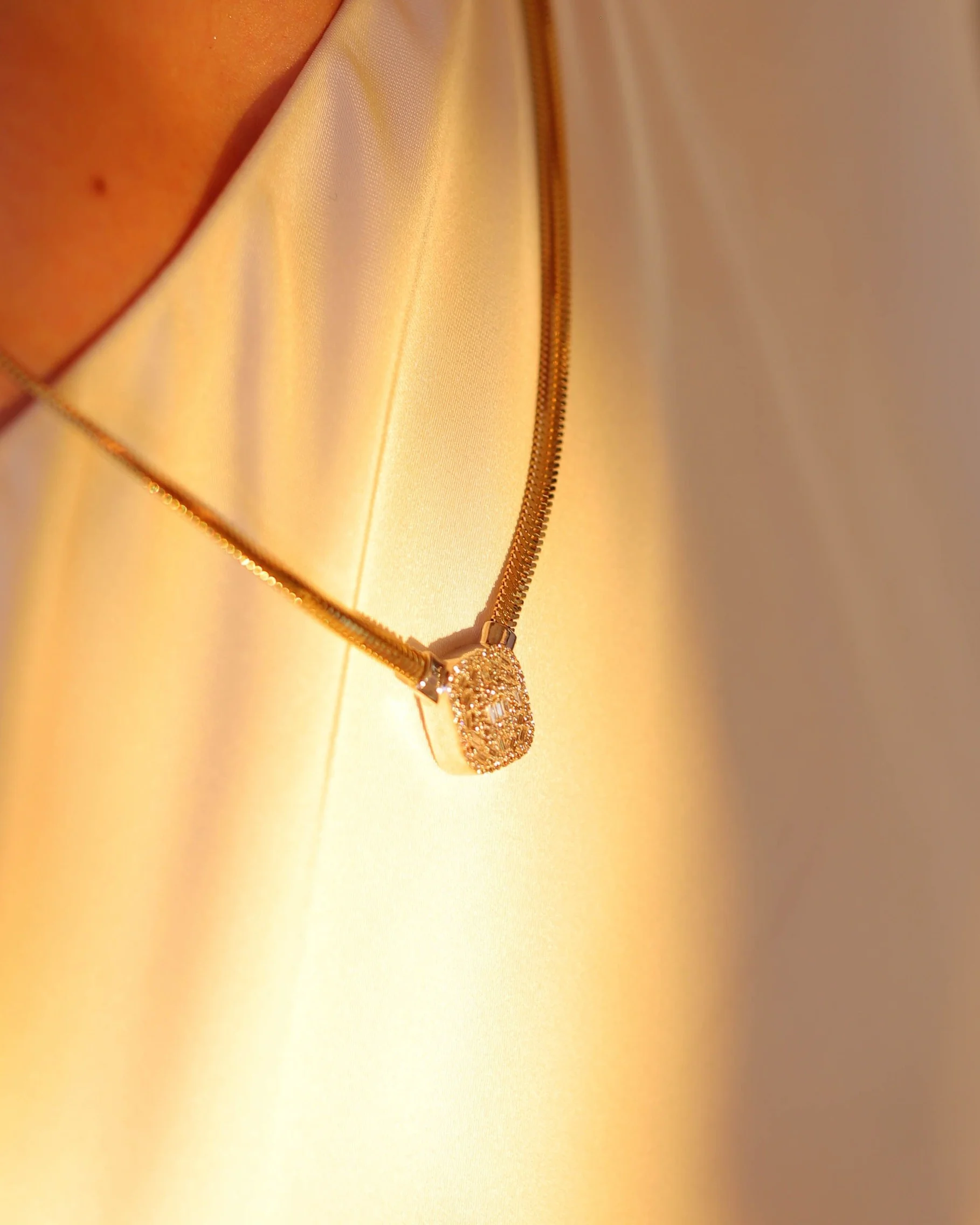
Pendant designs
Compare two pendant designs in one styling context.
Product photographs guide two pendants on the same neckline photograph. Switch between the original, the padlock and the open heart to compare how each design hangs on the same chain and in the same light.
Explore the versions
Original pendant
This is the original photograph.
Product reference · Padlock
Product reference · Open heart
Stone colors
Change the stones within the original arrangement.
Five gemstone pendants become a new birthstone palette. Compare the garnet, aquamarine, amethyst, emerald and sapphire stones within the same chains, settings and light.
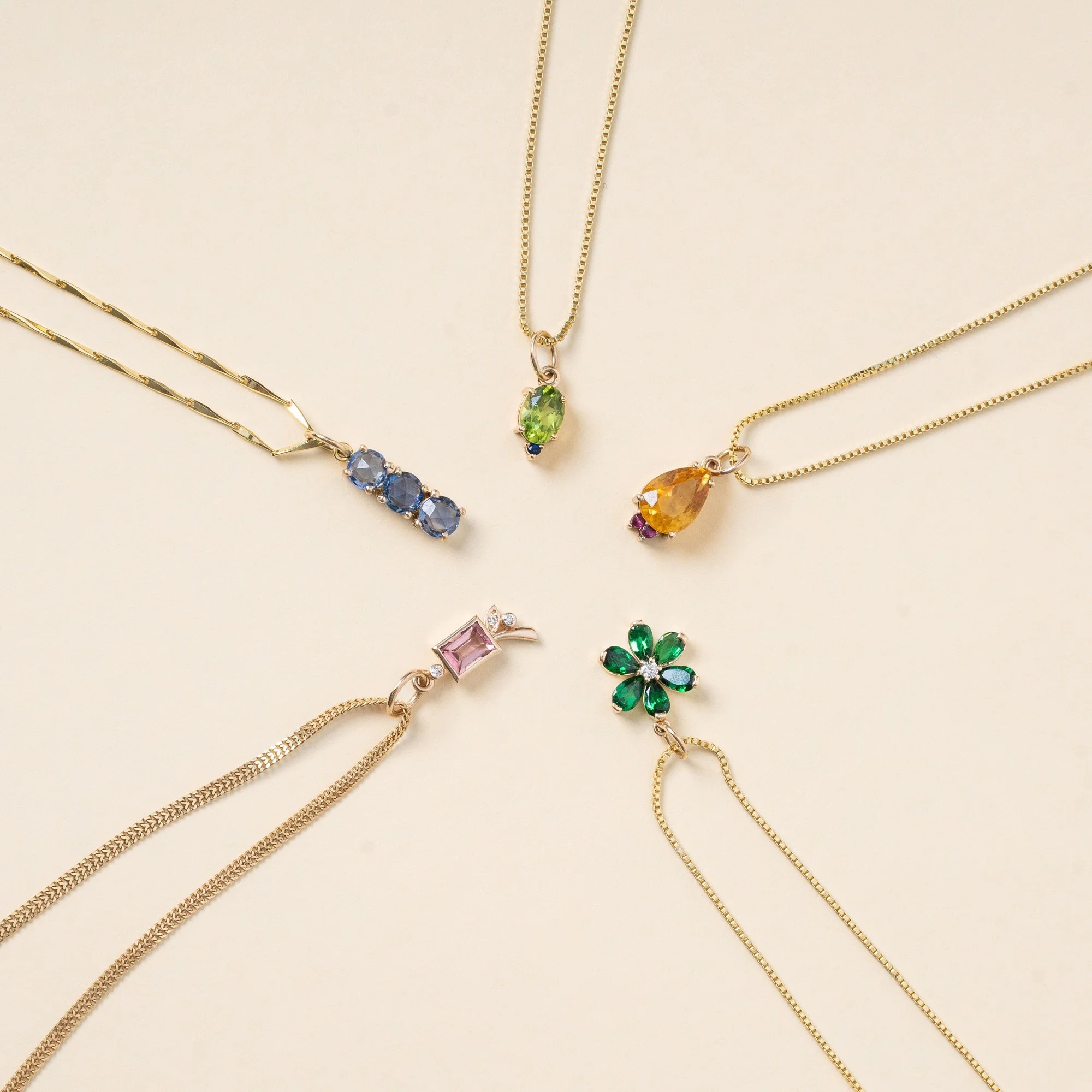
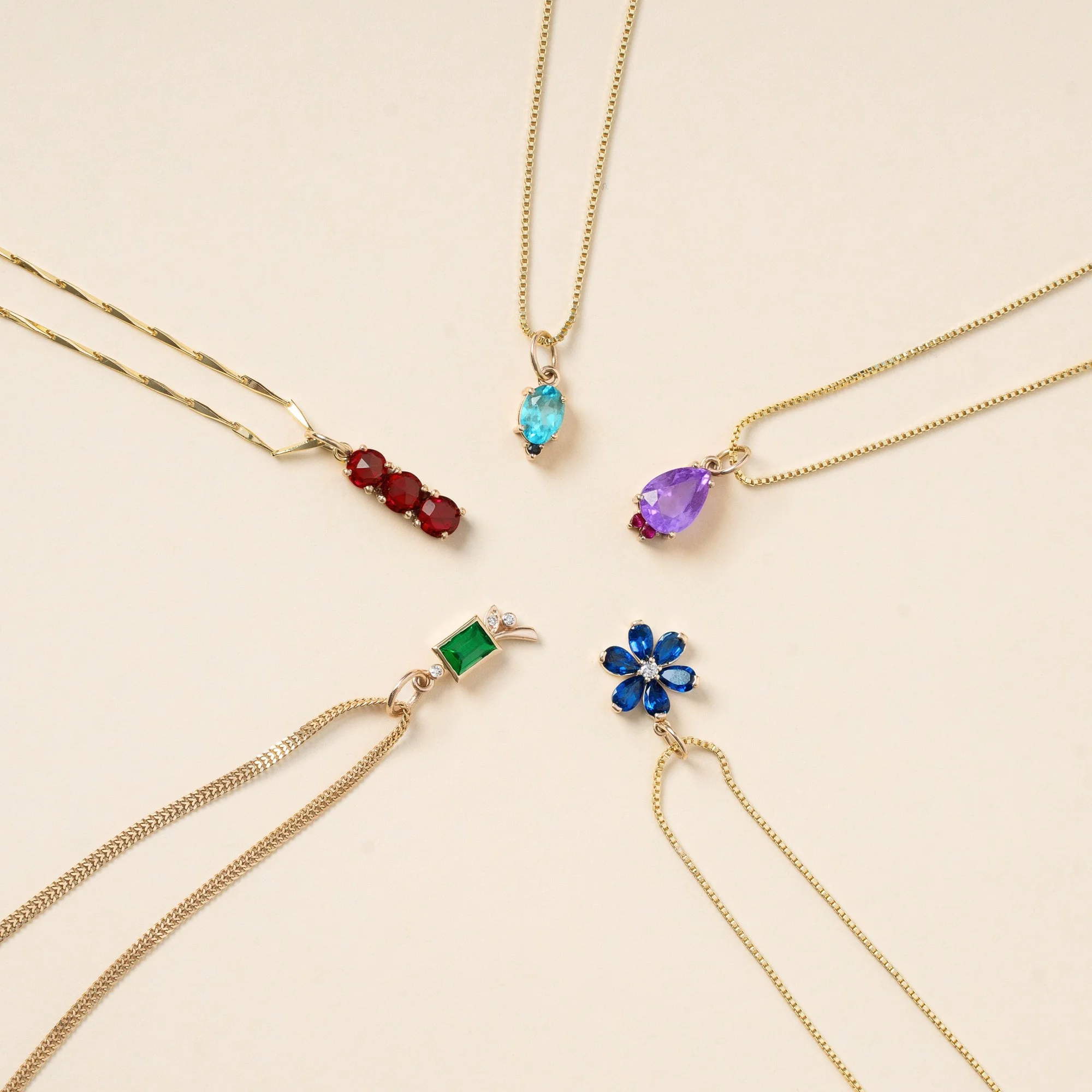
Drag the divider or use the arrow keys to compare.
Charm customization
Give the same bracelet a different personality.
Start with a styled bracelet and a product photograph of the replacement charm. A filigree heart takes the place of the green enamel charm, so the new theme can be explored within the original bracelet image.
Starting photographs and product references
Replacement charm reference
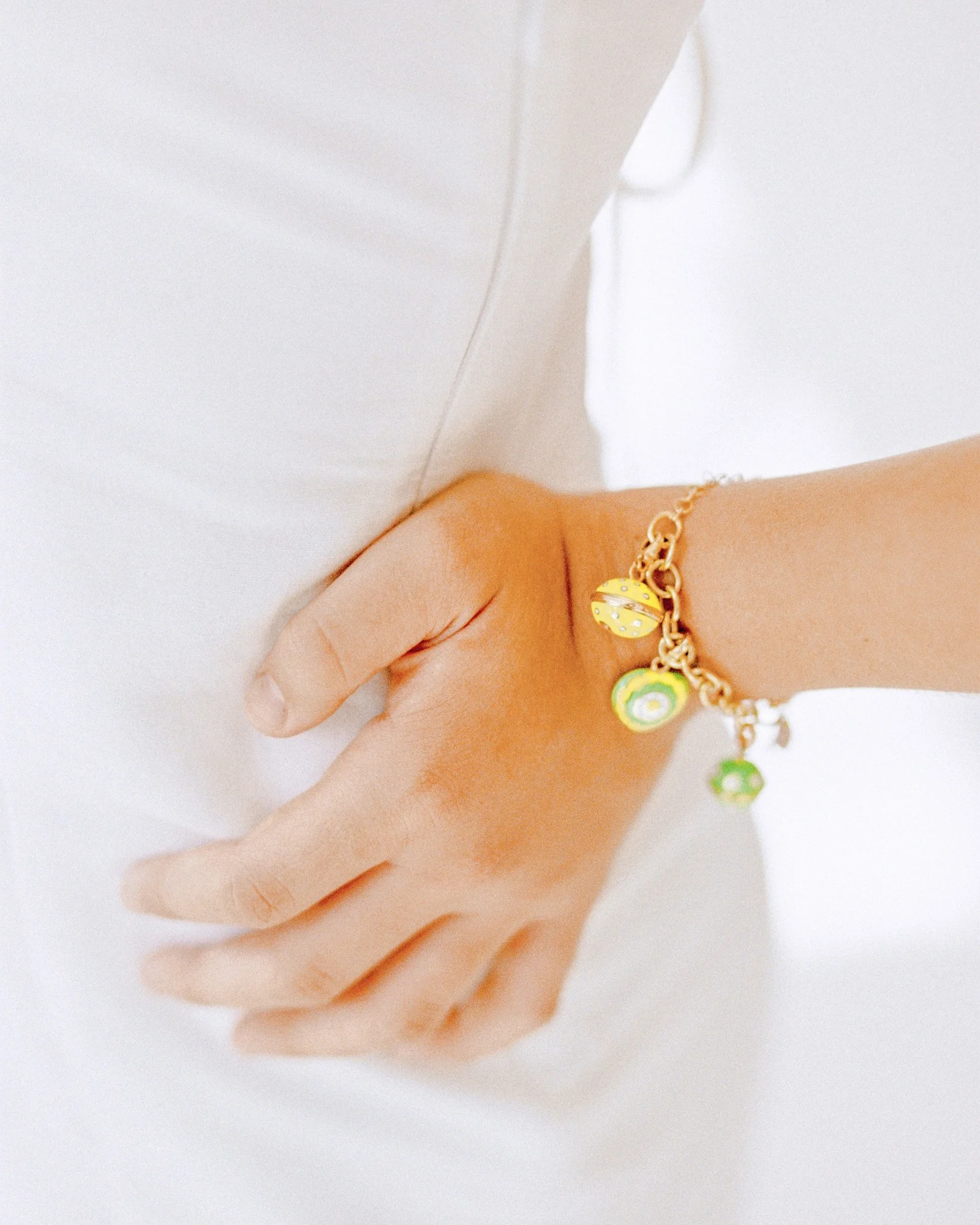
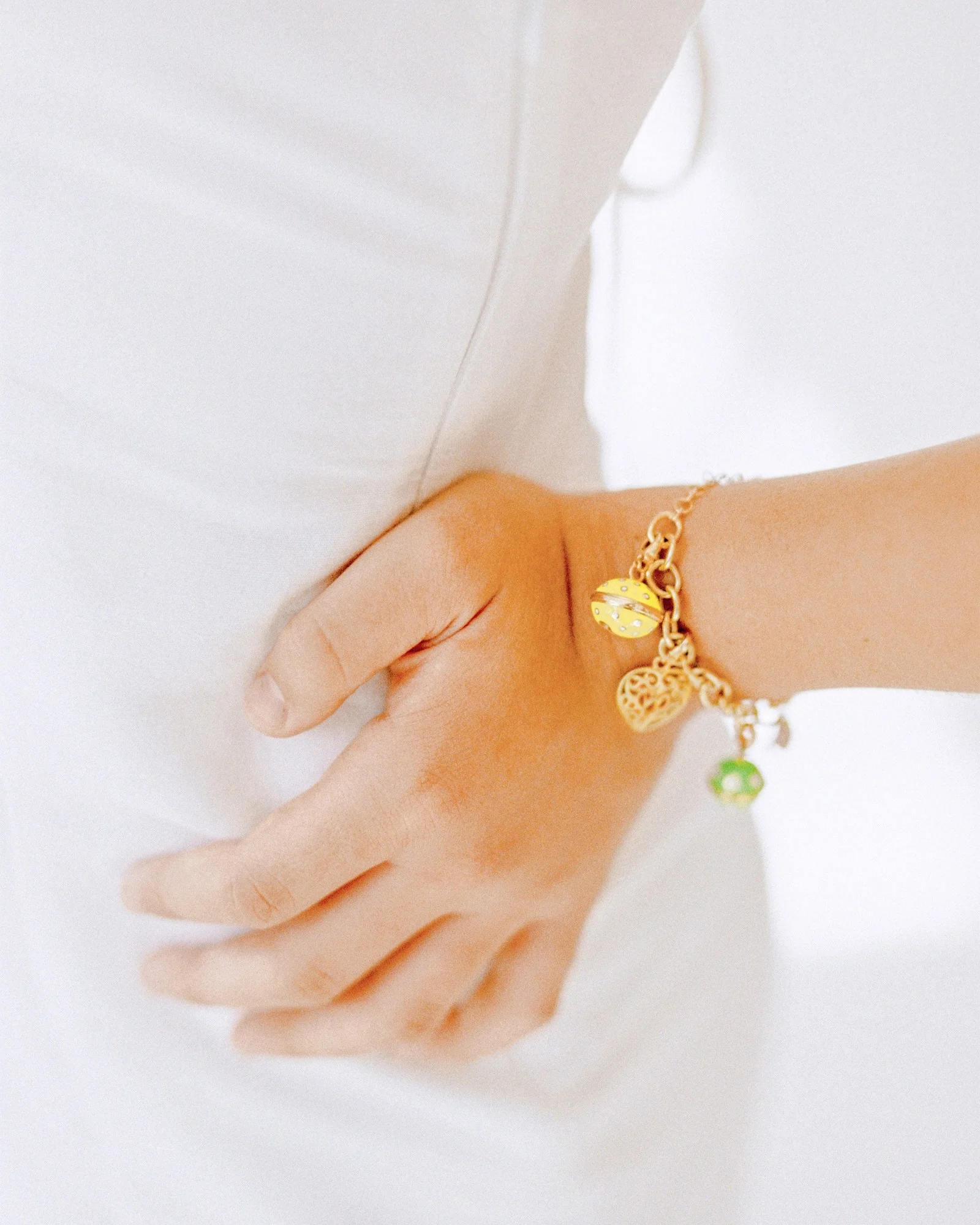
Drag the divider or use the arrow keys to compare.
Birthstones on model
One model photograph carries four more stone stories.
The original pavé pendant becomes amethyst, emerald, ruby and cobalt versions. Switch through the complete family to compare how each color reads within the original neckline.
Starting photographs and product references
Original photograph · Pavé pendant
Explore the versions
Purple amethyst
Only the stone color changes within the original photograph.
Inspect edit-area maps
Lavender marks the pixels that changed between the original photograph and each edited result. The changes stay on the stones.
Edit-area map · Purple amethyst
Edit-area map · Emerald green
Edit-area map · Ruby red
Edit-area map · Cobalt blue
Keep exploring
Continue with another Jewelry study.
Each one holds the full references, comparisons and interactive examples.
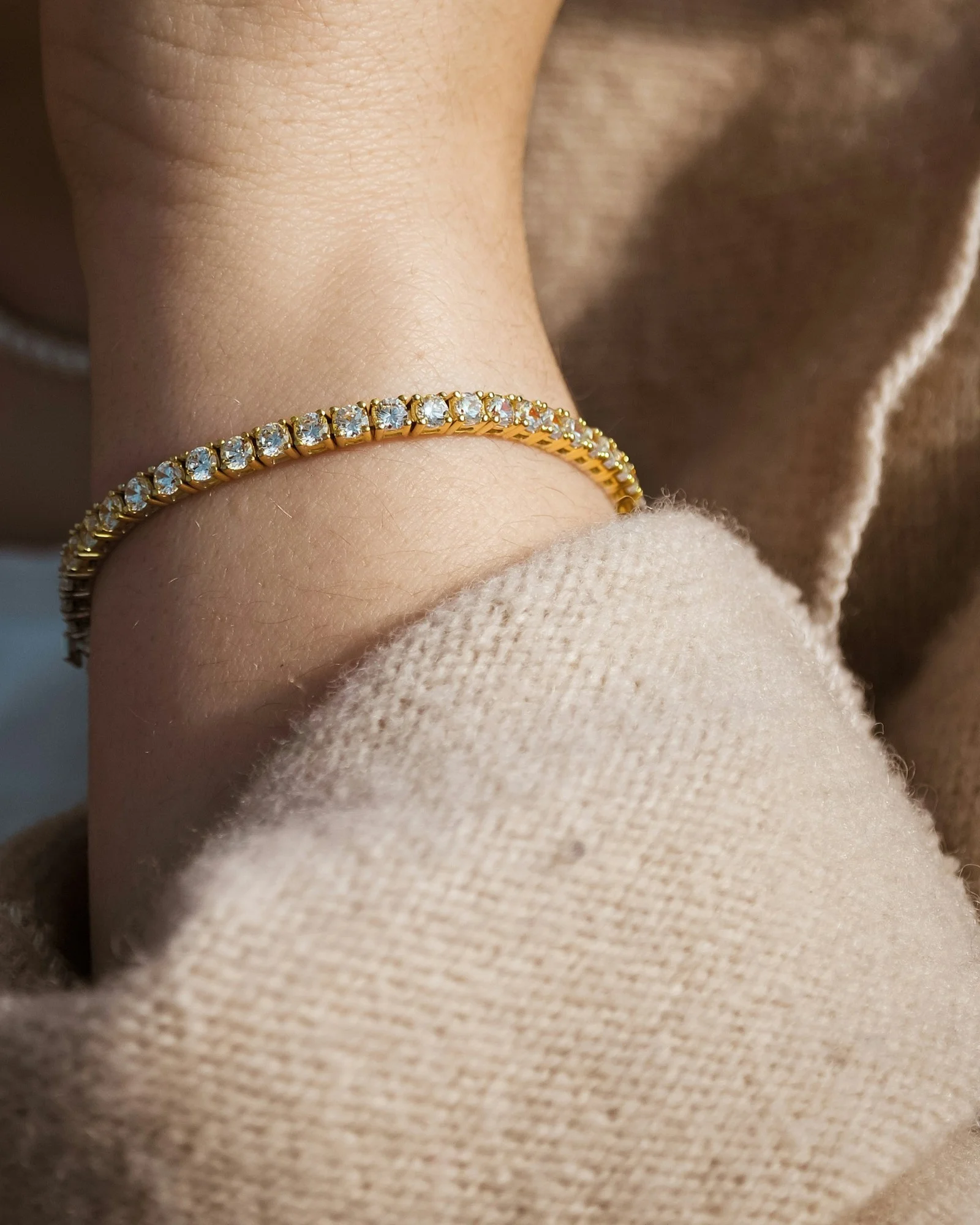
Metal finishes across the collection
Compare a styled bracelet, one hoop in three views and three product-metal examples, with edit-area maps beside each comparison.
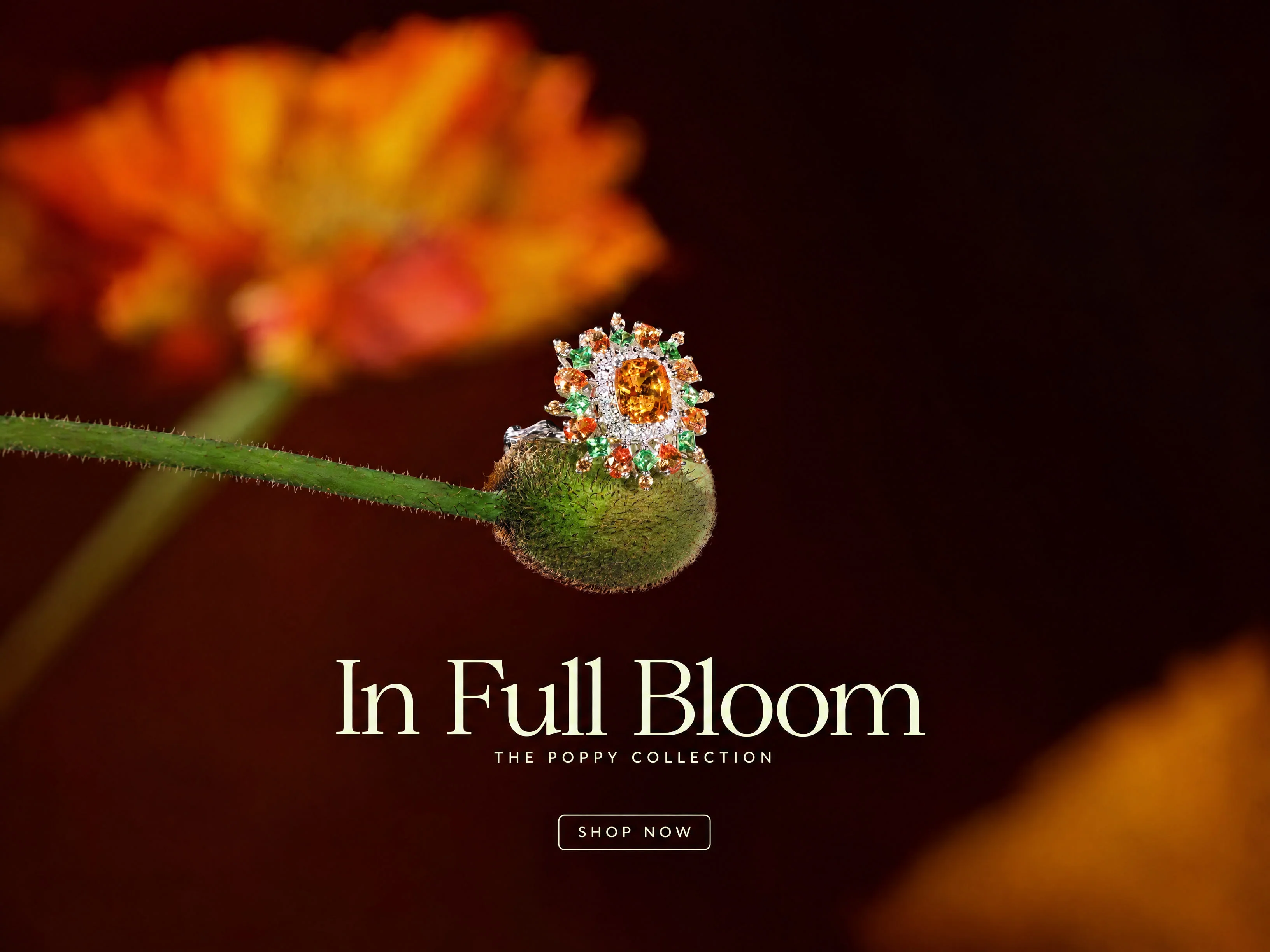
Campaign formats, markets and gifting
Inspect two five-format ring campaigns, the poppy campaign in three more languages and one ring restaged for three gifting moments.
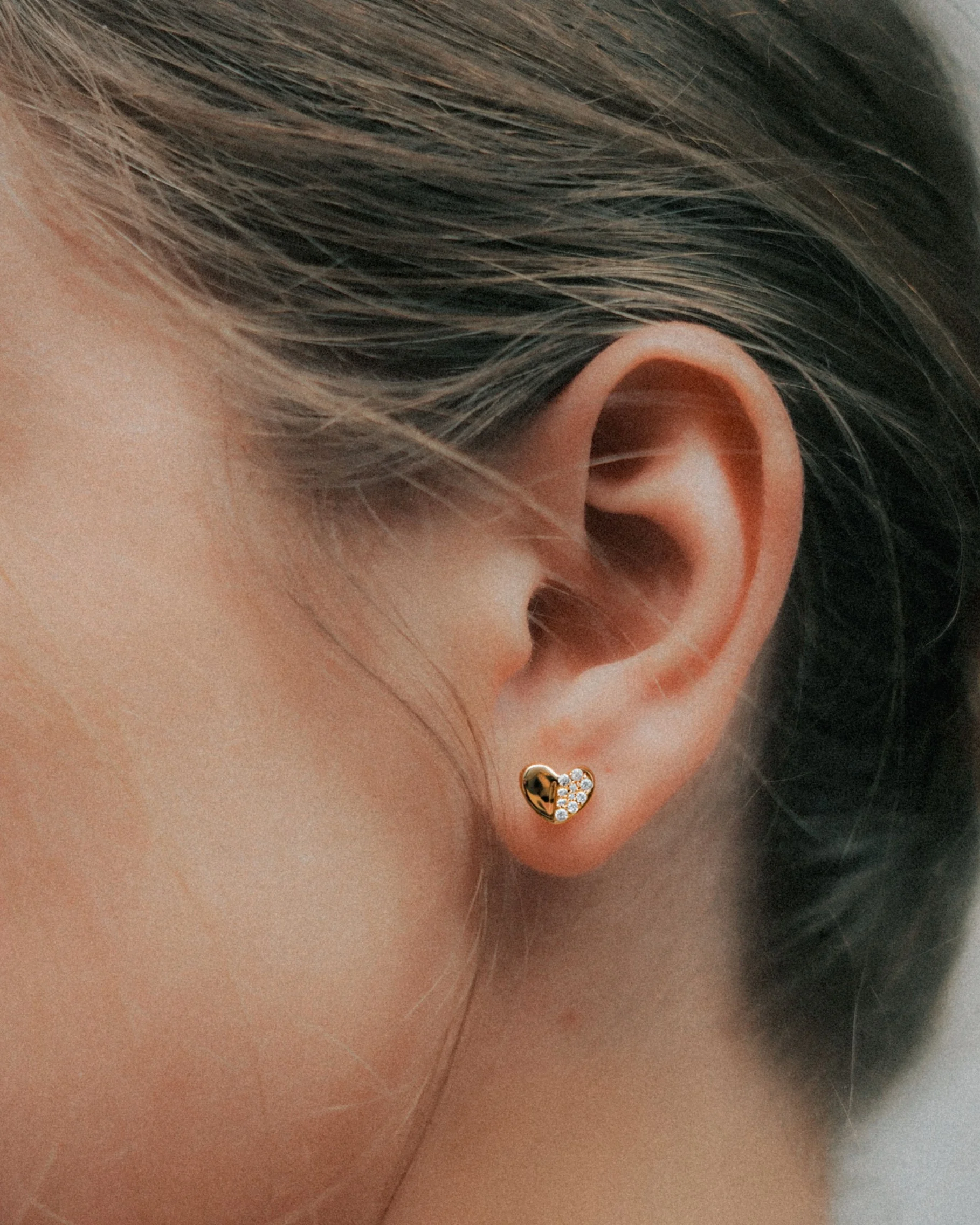
Product photographs to styling
Inspect six on-model concepts, each placed from its own product photograph, and three complete looks built one piece at a time.
Let's shape what comes next
Create the next collection image set.
Talk with our team about jewelry product imagery, finish variations and campaign production.