
Catalog equipment in event settings
Compare all five source-to-setting examples: backyard, vineyard, market, birthday and school field day, with the original product photographs and production context.
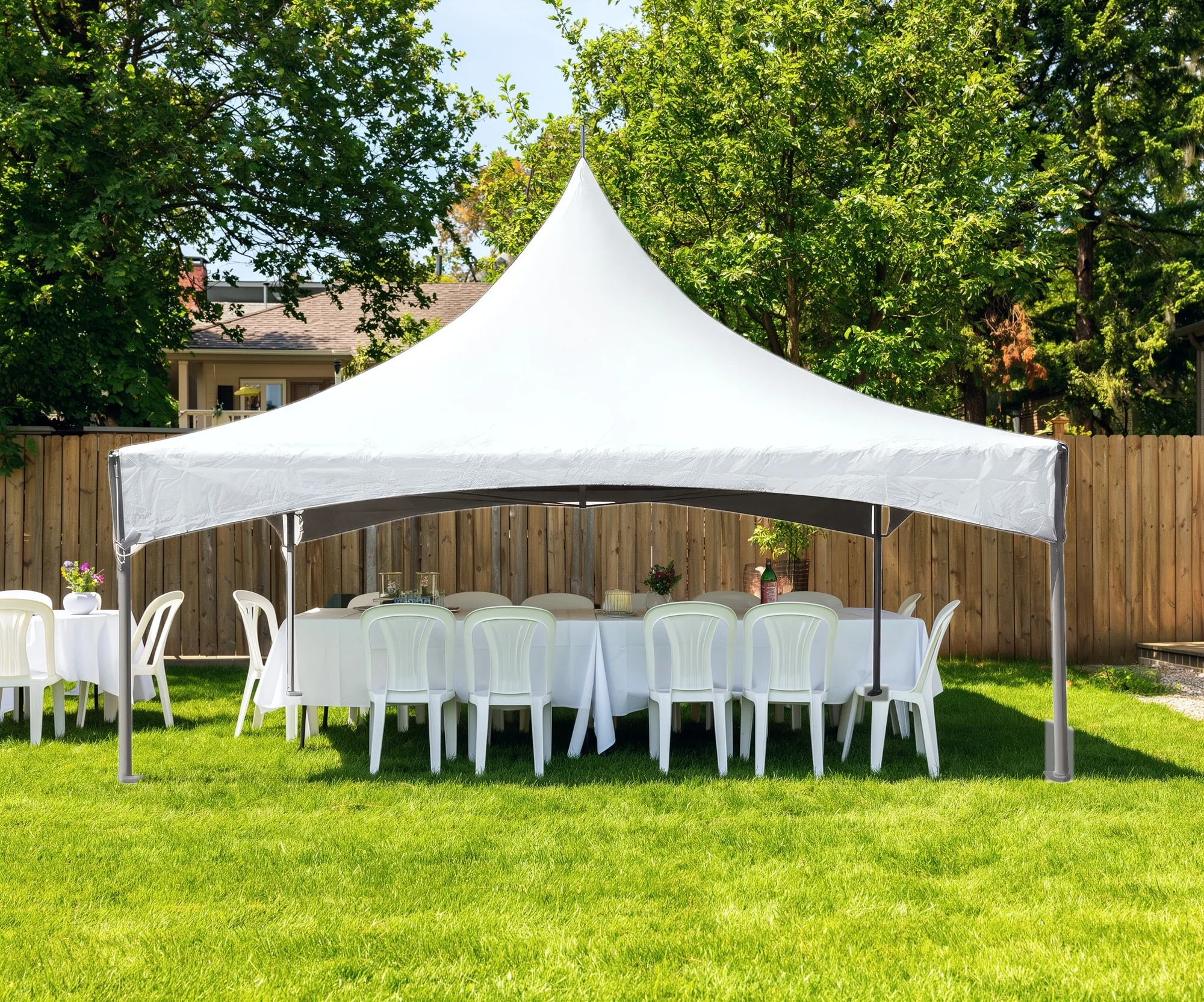
Party tent catalogs
From catalog to celebration.
A white-background product image shows the tent. An occasion-led image helps customers picture its place in a celebration. This concept brings the source tent into a sunny backyard, with banquet tables, folding chairs and the atmosphere of a gathering around it.
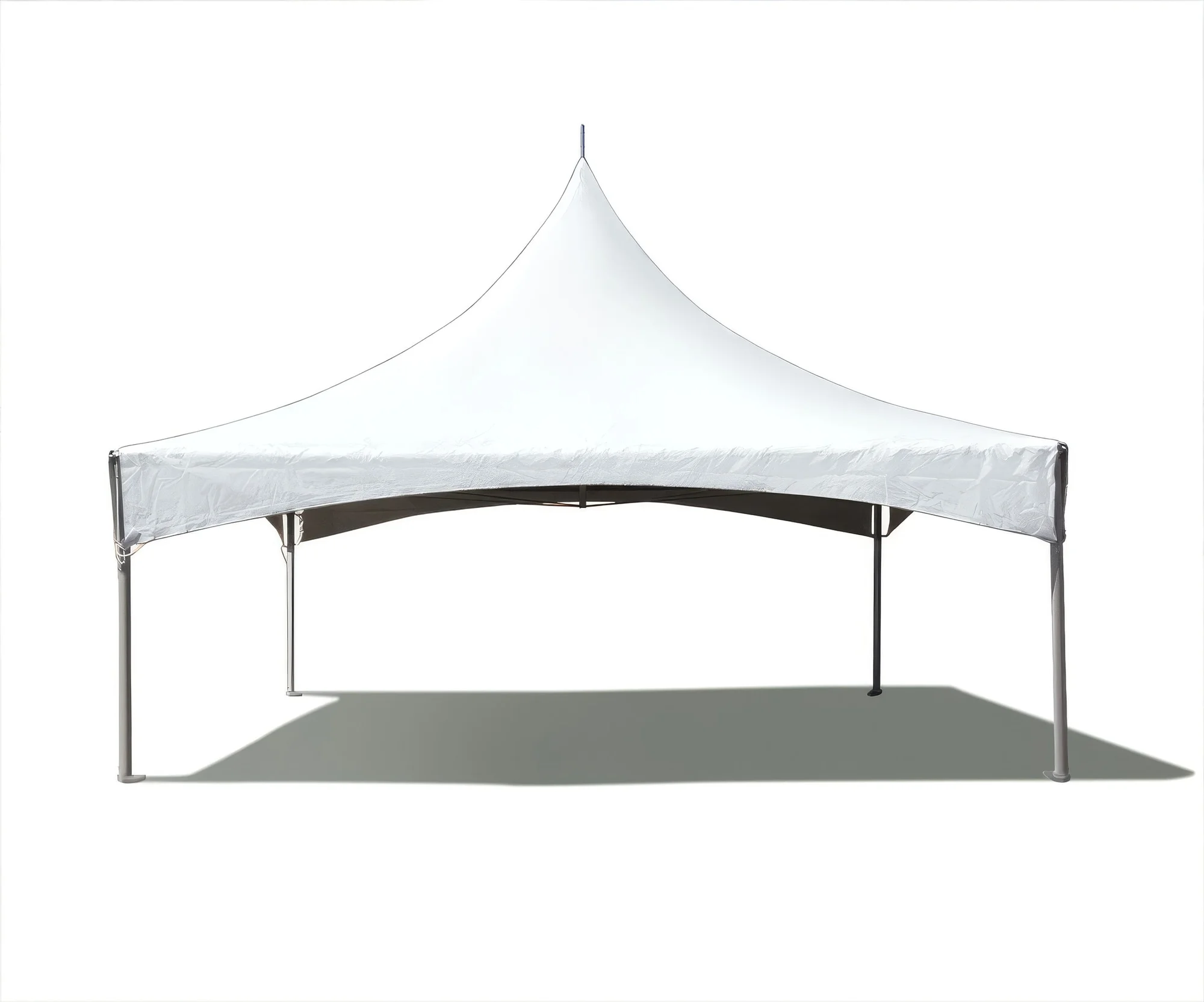
Drag the divider or use the arrow keys to compare.
Wedding tent campaigns
Give the same tent a wedding setting.
Start with the catalog tent and develop the occasion around it. Round tables, white linens, flowers, and a vineyard lawn establish a wedding concept. Drag across the image to see the source tent against the composed setting, then inspect the product and surrounding accessories at full size.
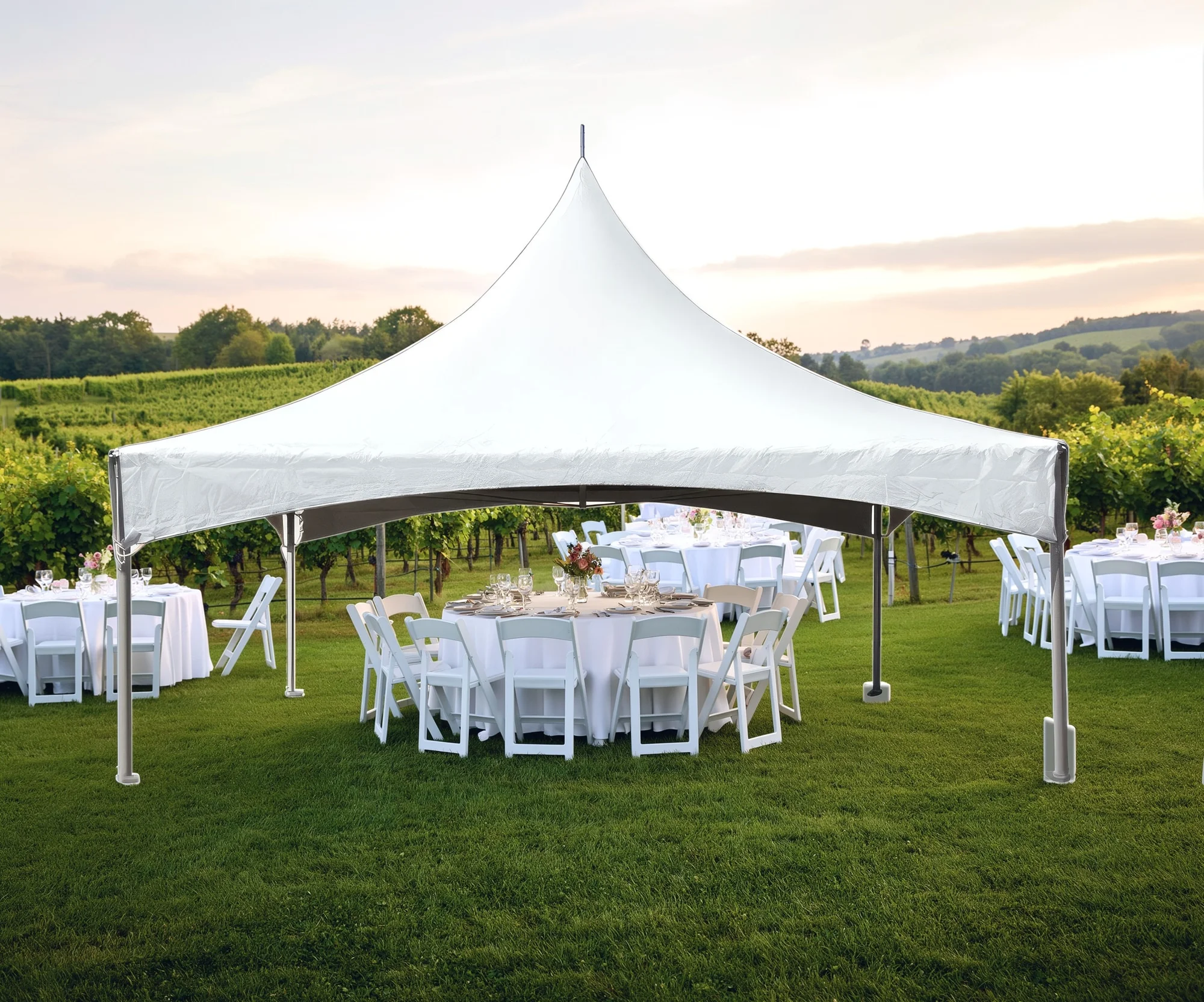
Drag the divider or use the arrow keys to compare.
- Review scene-added accessories against the products and configurations in your catalog.
Market & community campaigns
Take the catalog tent into the town square.
A different environment opens another campaign direction for the same product photograph. Brick paving, storefronts, produce tables, and shoppers give the tent a market context. Compare it directly with the source to see which parts of the story come from the product and which belong to the generated setting.
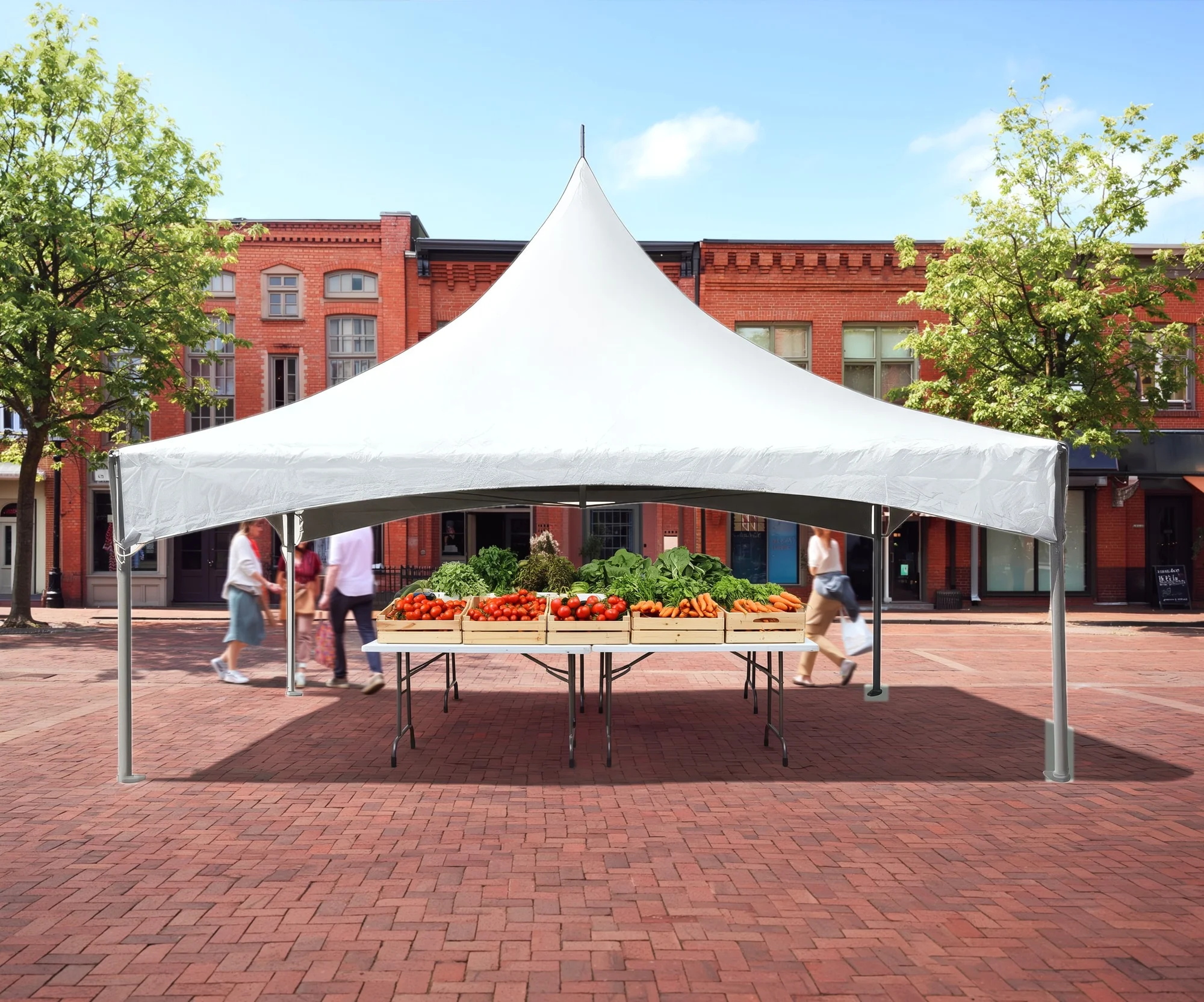
Drag the divider or use the arrow keys to compare.
Bounce houses & inflatables
Put the party in the picture.
Bring a colorful inflatable into a setting that matches the occasion. This birthday concept combines the catalog product with a generated backyard, balloons and a cake table. Product compositing carries the original design into the selected scene, with separate attention to the see-through mesh panels.
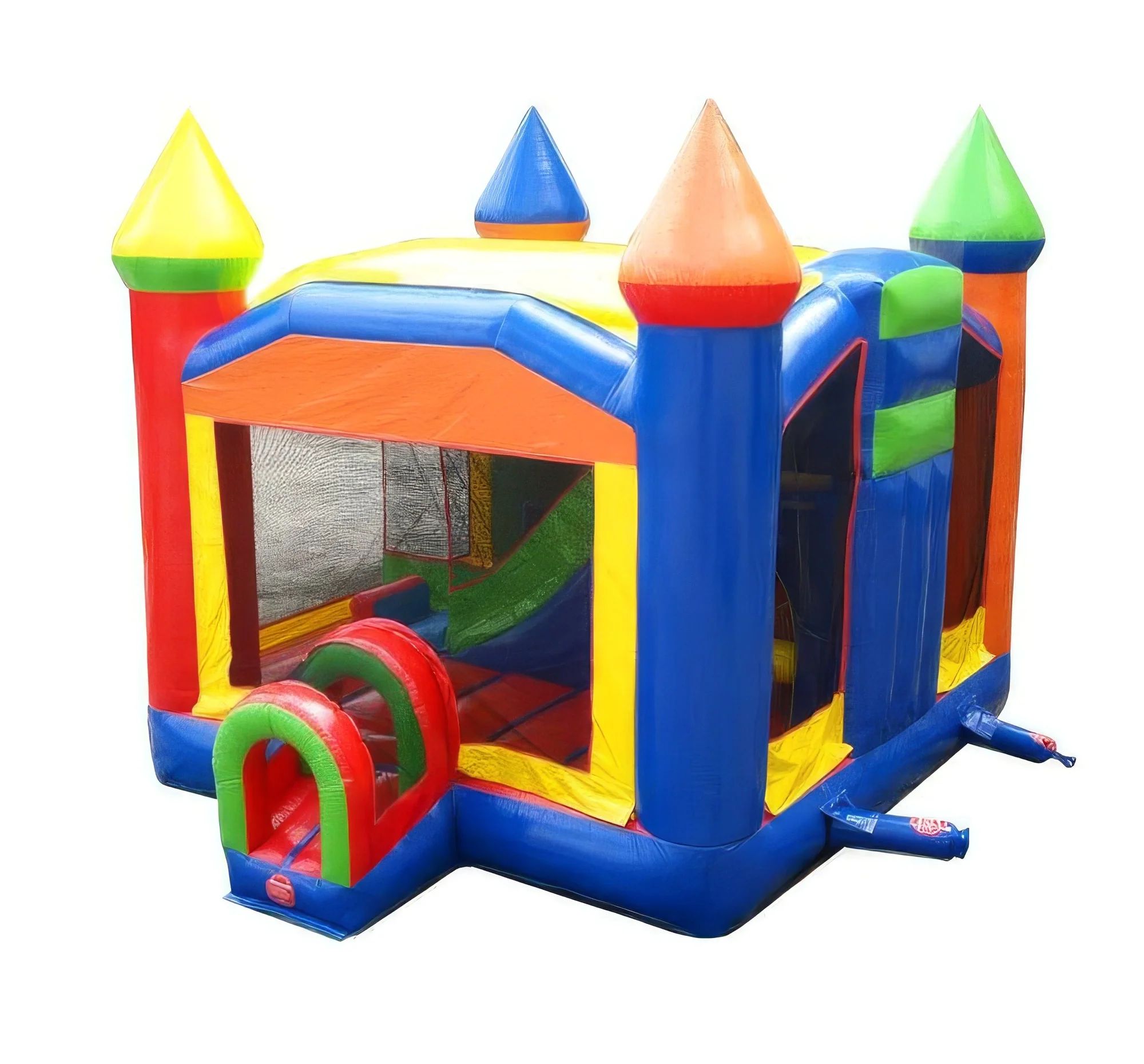
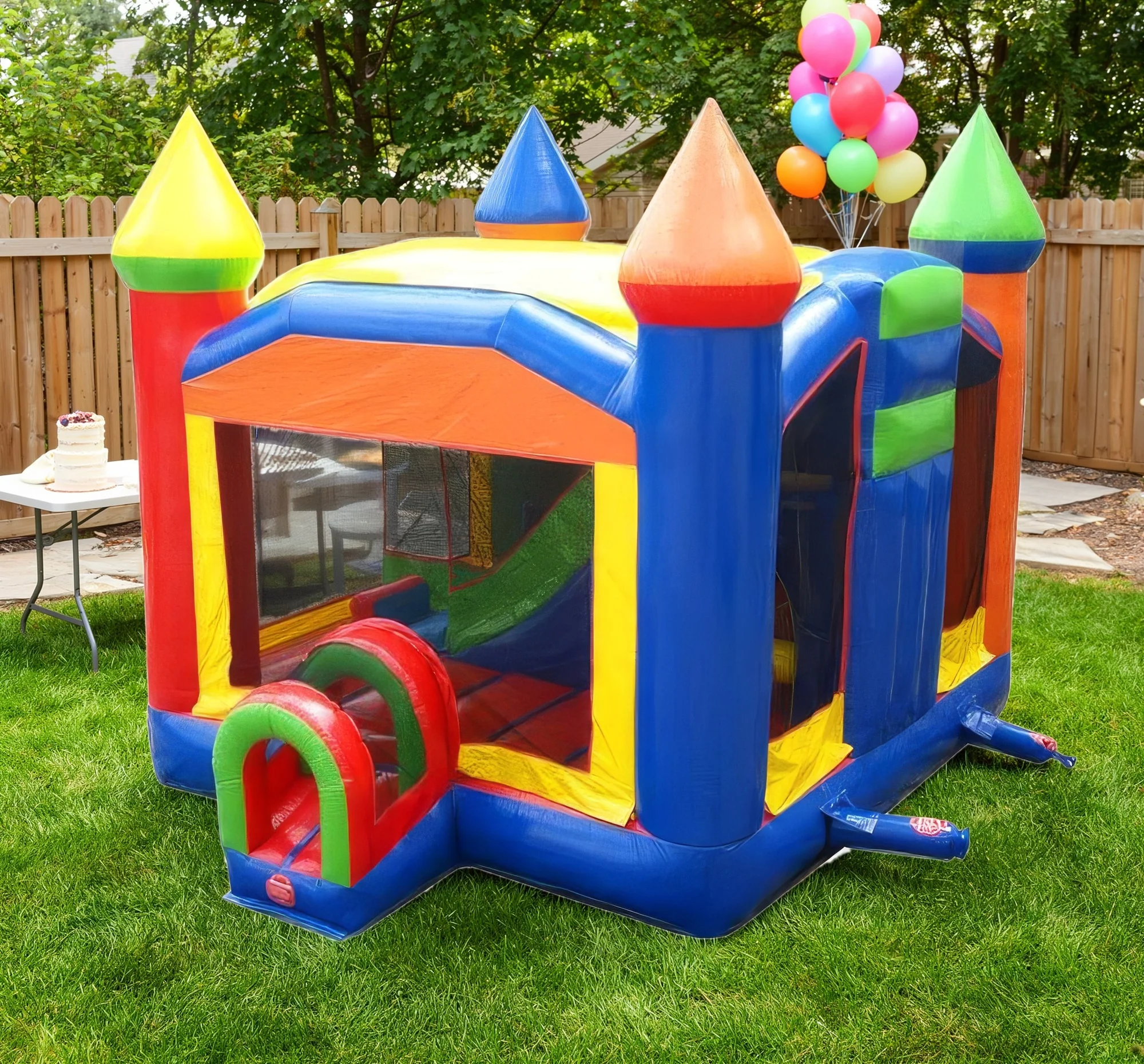
Drag the divider or use the arrow keys to compare.
School & community events
Give seasonal campaigns a setting.
A school field-day direction opens another story for the same catalog product. The generated sports field, school building and distant canopy create a new environment, while a targeted mesh edit lets the field and sky show through the inflatable's windows. Drag the divider to inspect the source beside the final setting, including the mesh treatment.
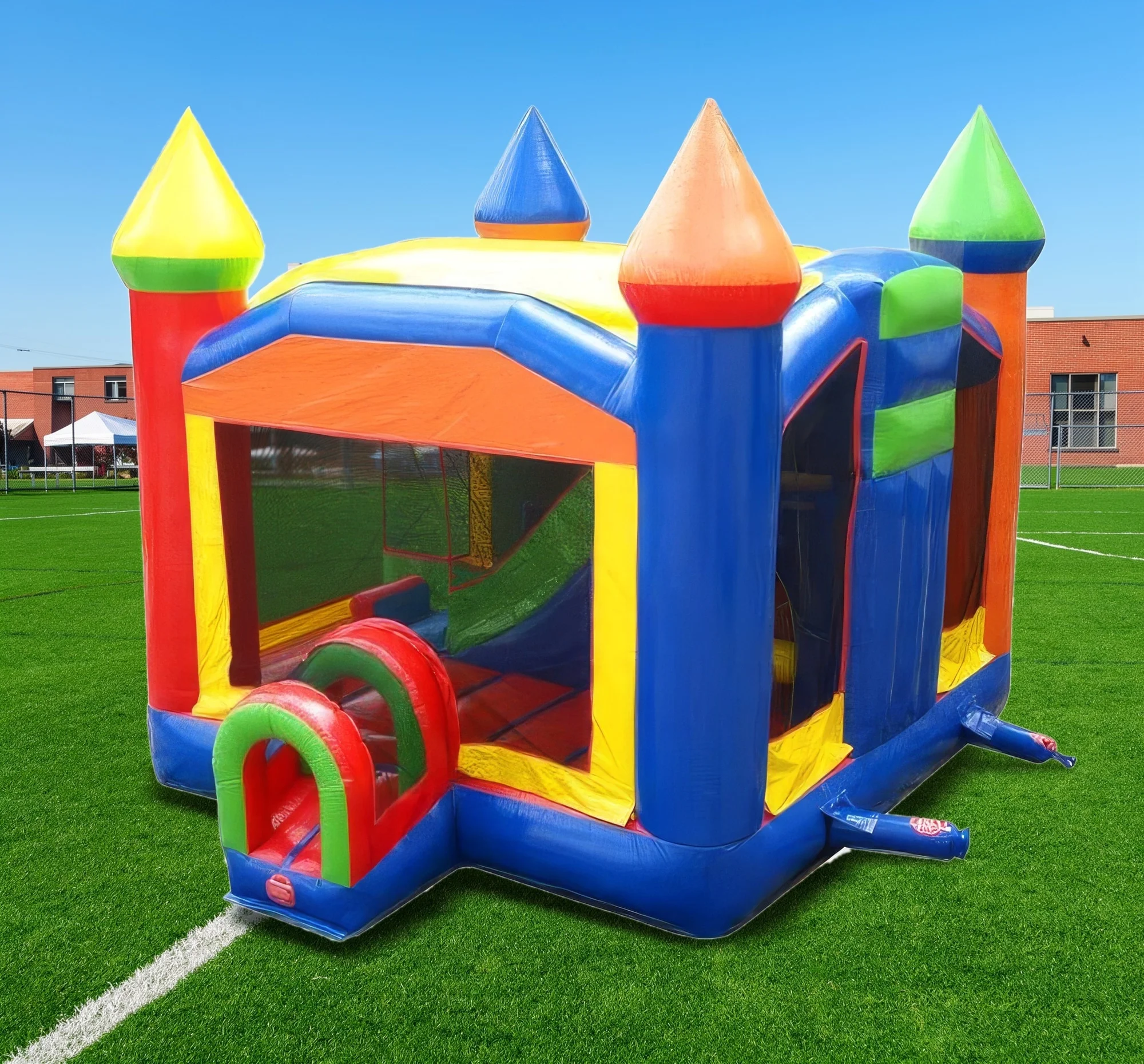
Drag the divider or use the arrow keys to compare.
- Inspect transparent panels, contact shadows and the relationship between the product and the surrounding scene.
Let's shape what comes next
Set the scene for your next campaign.
Talk with our team about event tents, inflatables and occasion-led catalog imagery.